COLLECT
Every recipe.
One familiar place.
A visual library of the looks you’ve saved, ready to search and shoot.
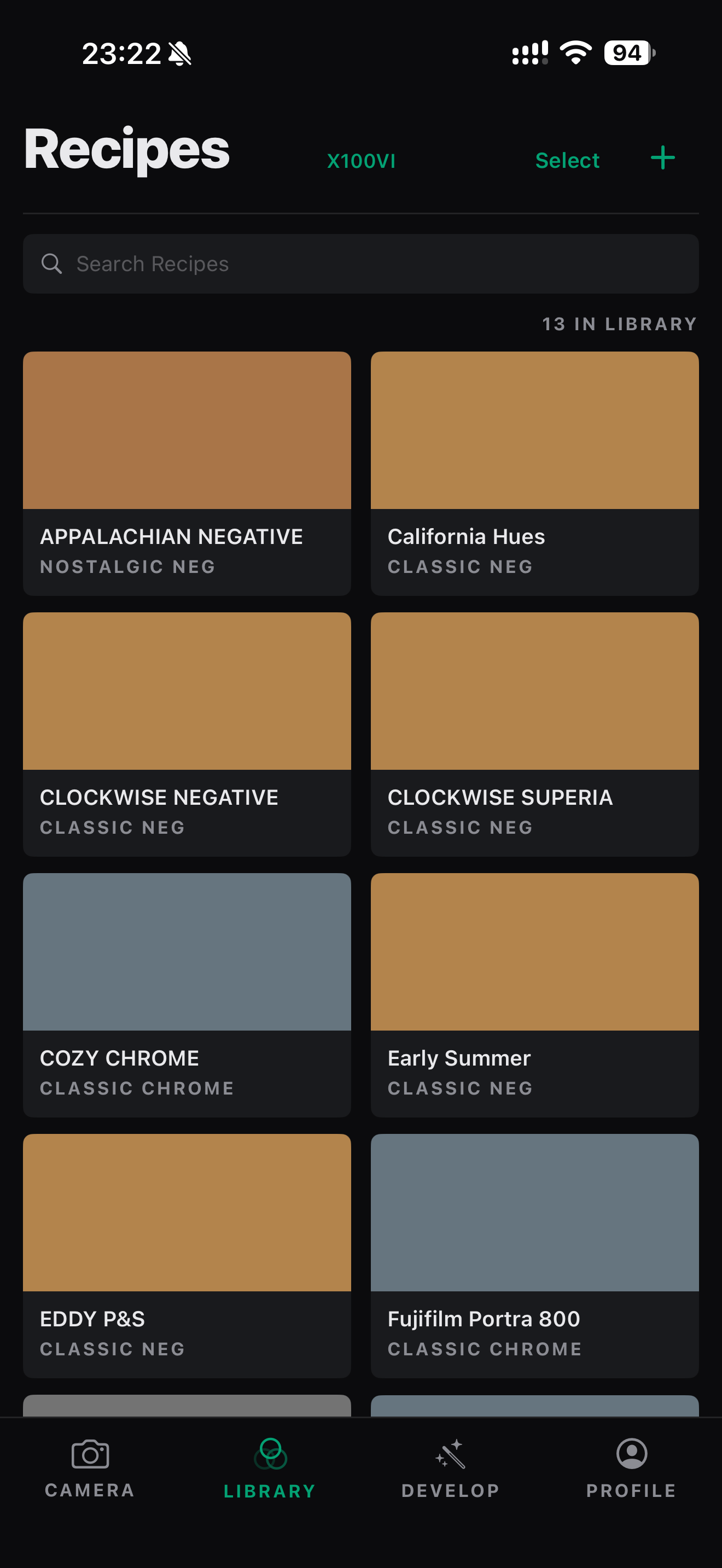 View app screen ↗
 fujıbankGet the beta
 FOR FUJIFILM X SHOOTERS
All the looks you love. Ready when you shoot.
Keep your recipes together, send them to your camera, and develop with its own color engine.
iPhone & iPad · Available now on TestFlight
ONE APP. THE WHOLE WORKFLOW.
YOUR RECIPE LIBRARY
Keep every look. Fine-tune every detail.
Choose what goes on the camera when it’s time to head out.
COLLECT
A visual library of the looks you’ve saved, ready to search and shoot.
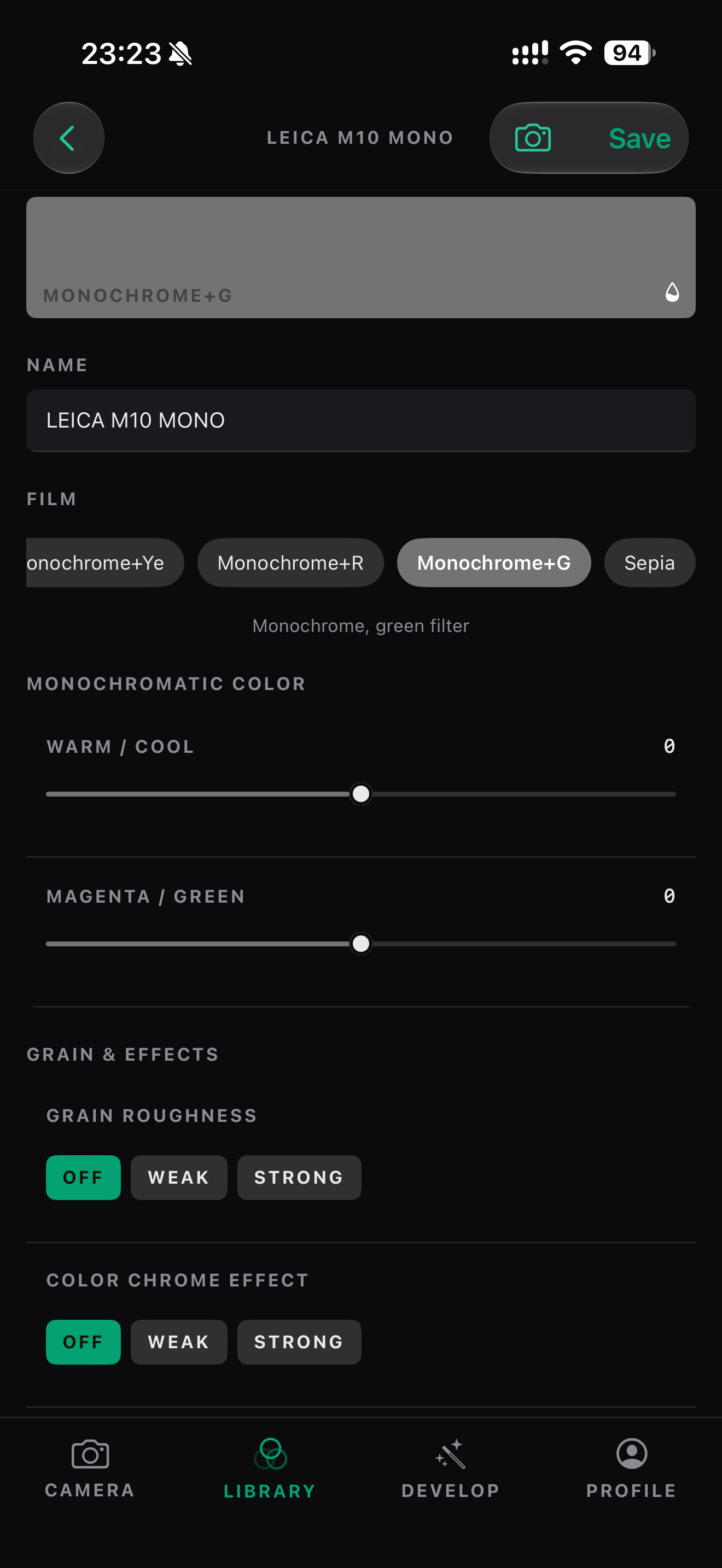
View app screen ↗MAKE IT YOURS
Film simulation, tone, grain, and white balance. All yours to adjust.
 View app screen ↗
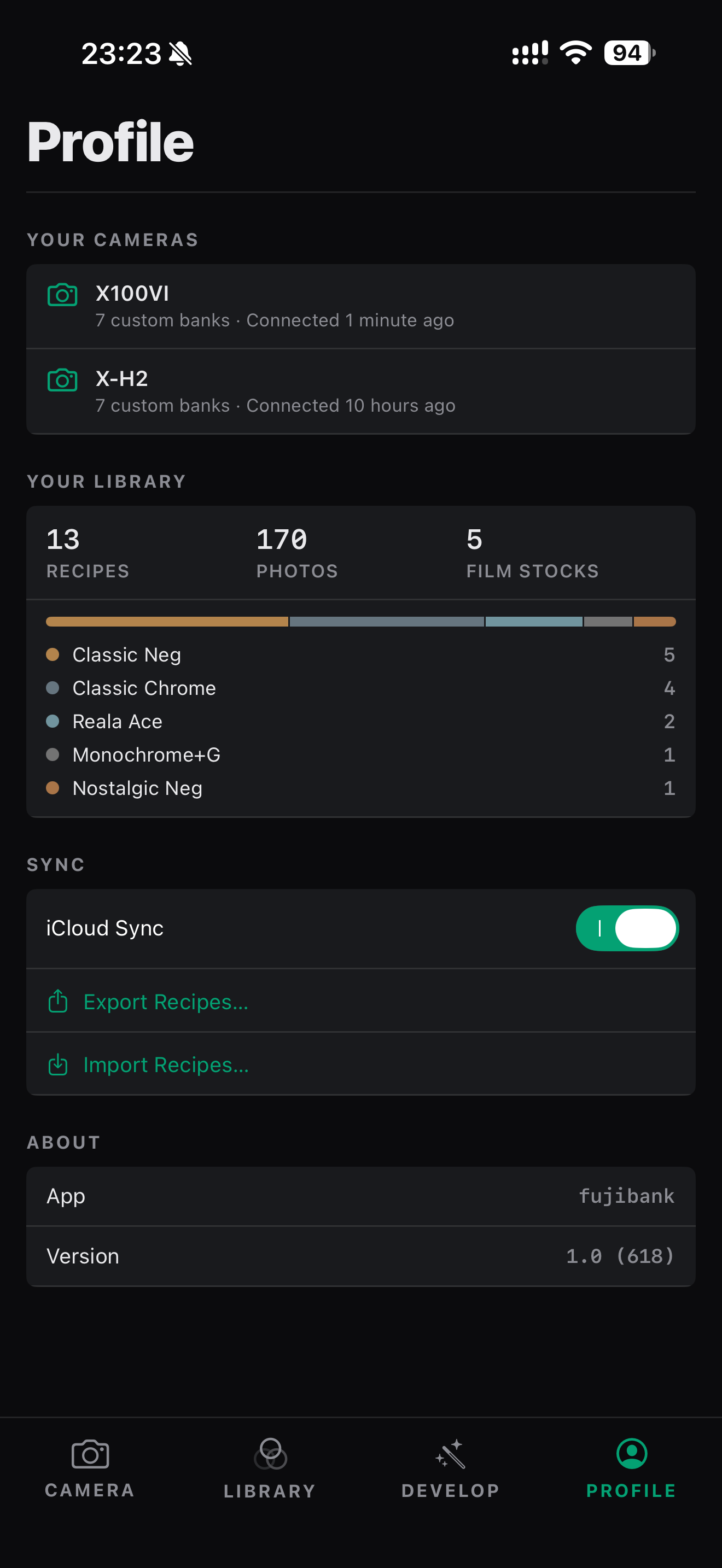
KEEP IT YOURS
Sync recipes with iCloud, or export a copy. Your library stays portable.
 View app screen ↗
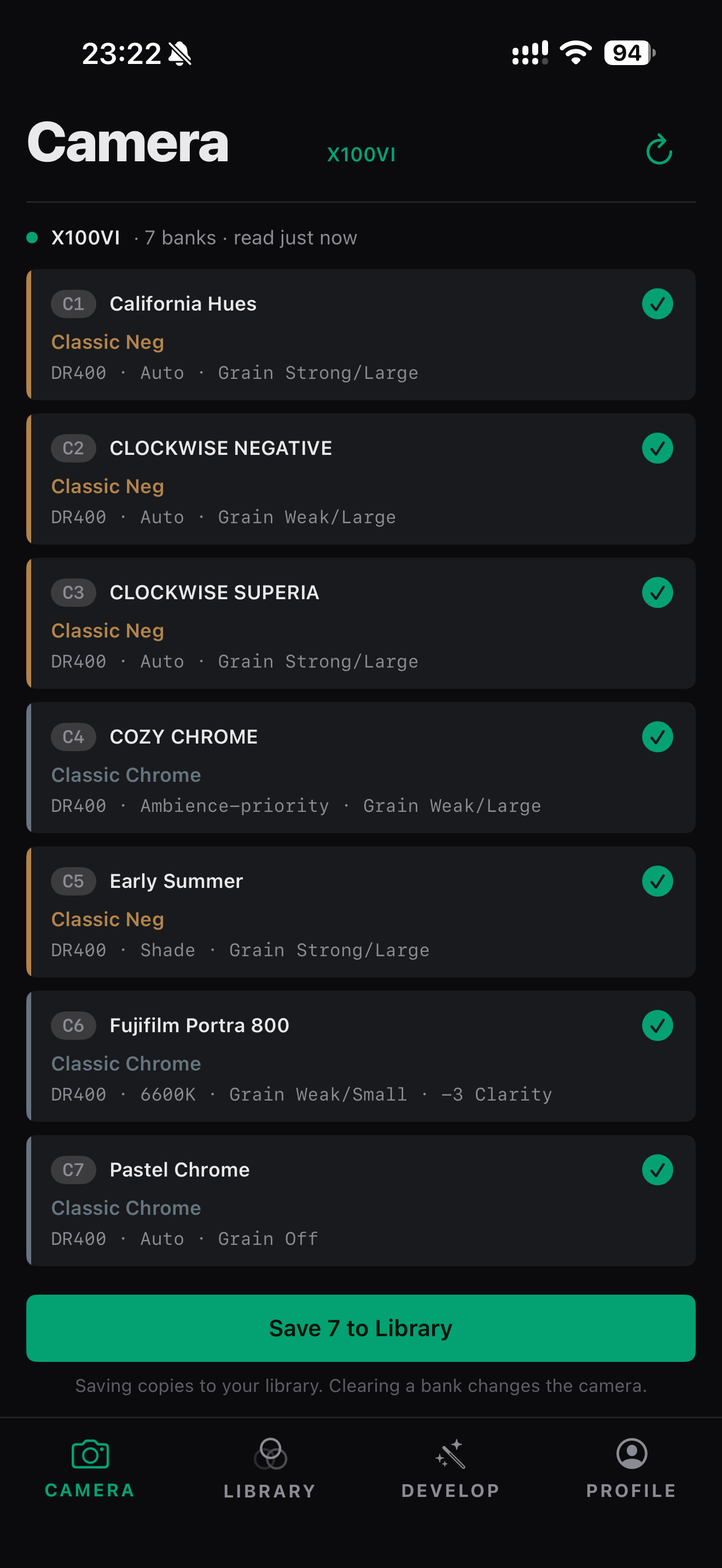
FROM LIBRARY TO CAMERA
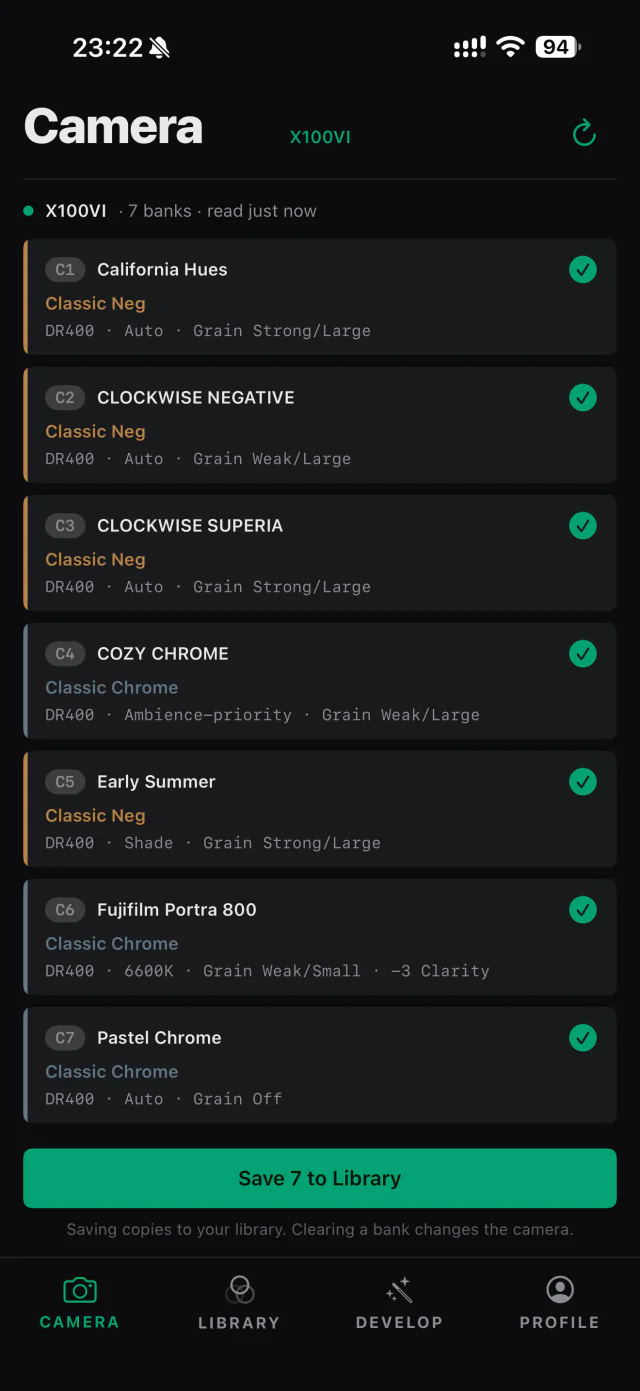
That favorite recipe shouldn’t take an evening of menu diving. Connect over USB and put it where it belongs.
Read the custom banks your camera actually has.
Save camera recipes to your library, then make them your own.
Write to a chosen bank. Each field is read back and checked.
Supports Fujifilm X-Processor 5 cameras.
DEVELOP THROUGH THE CAMERA
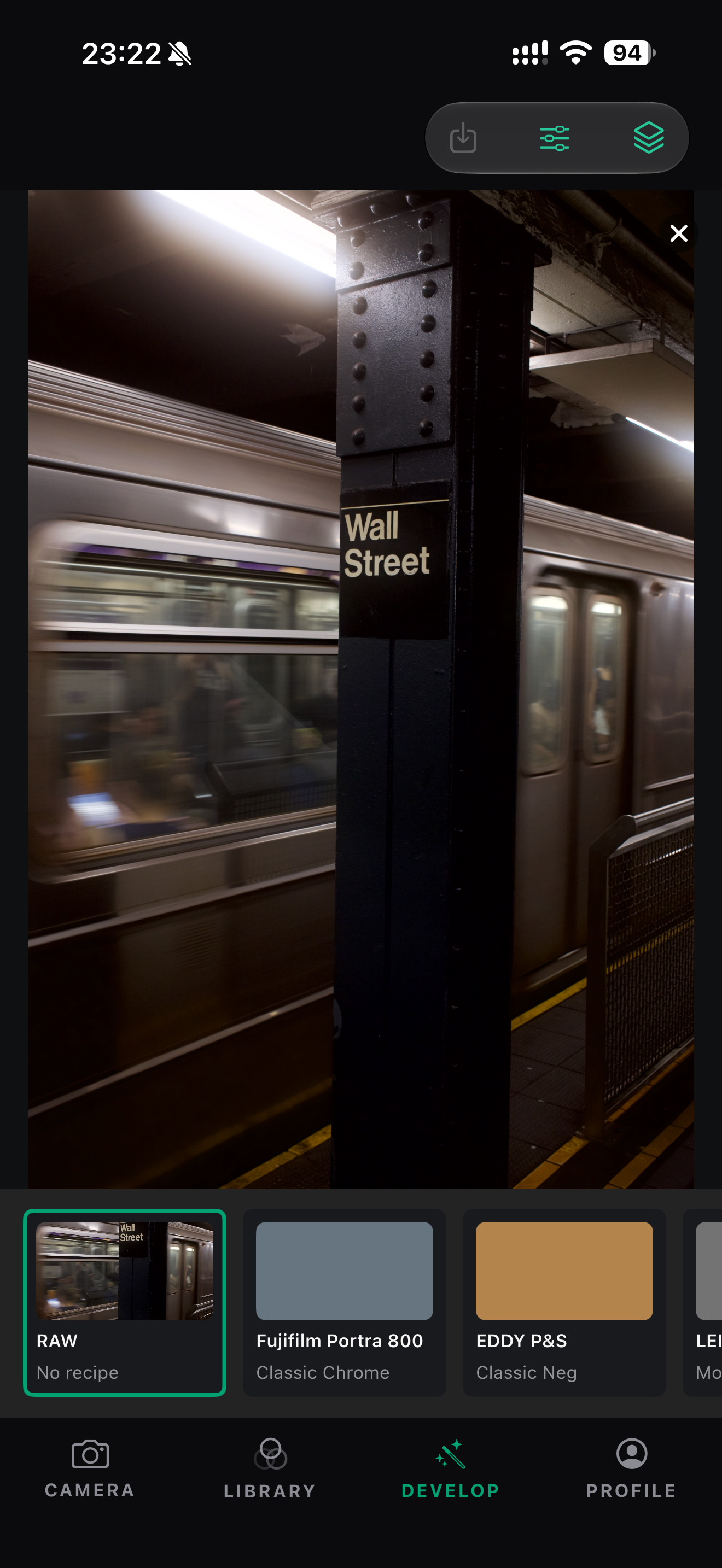
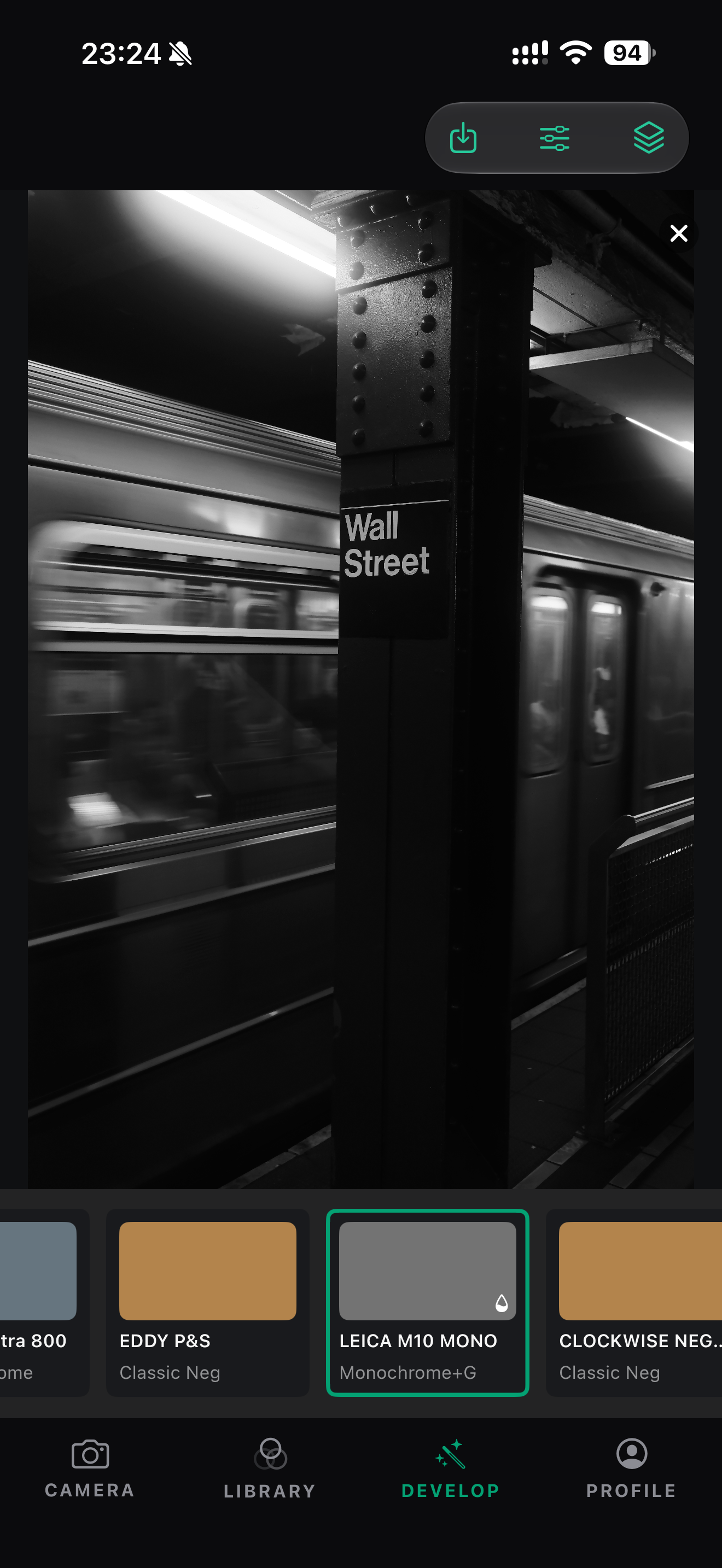
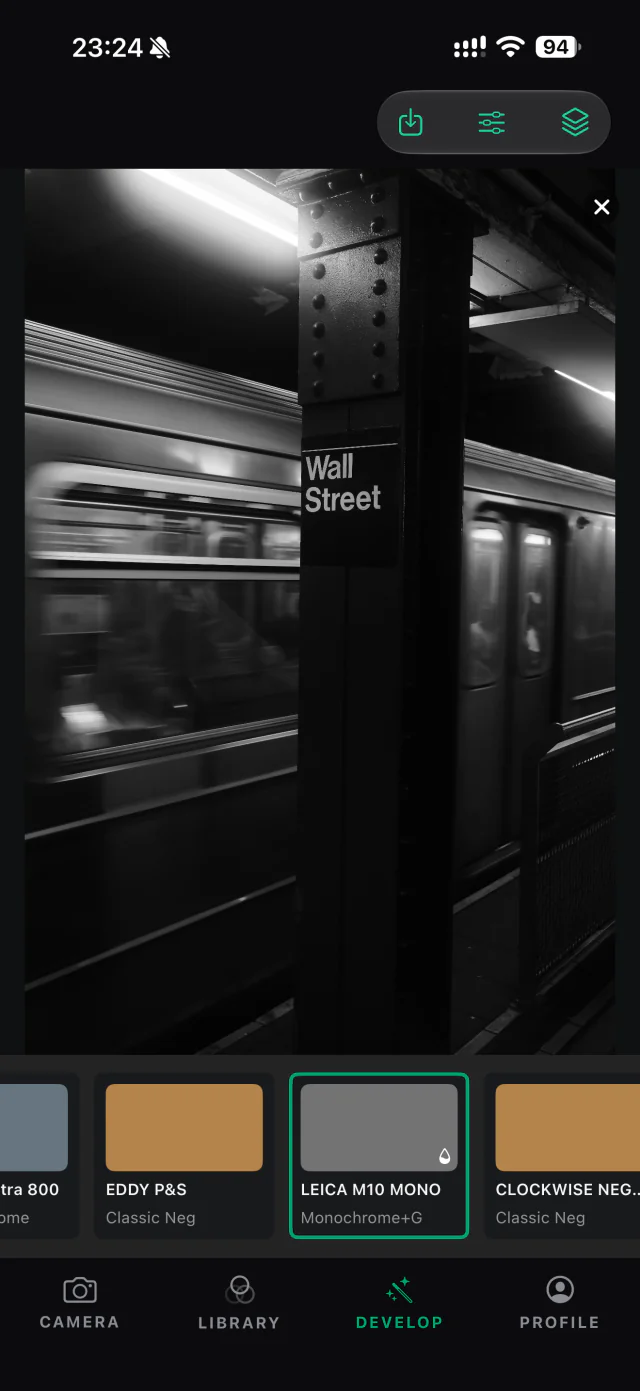
Pick a recipe. Your camera renders the RAF through its own engine. Try another look, then save the JPEG you love.
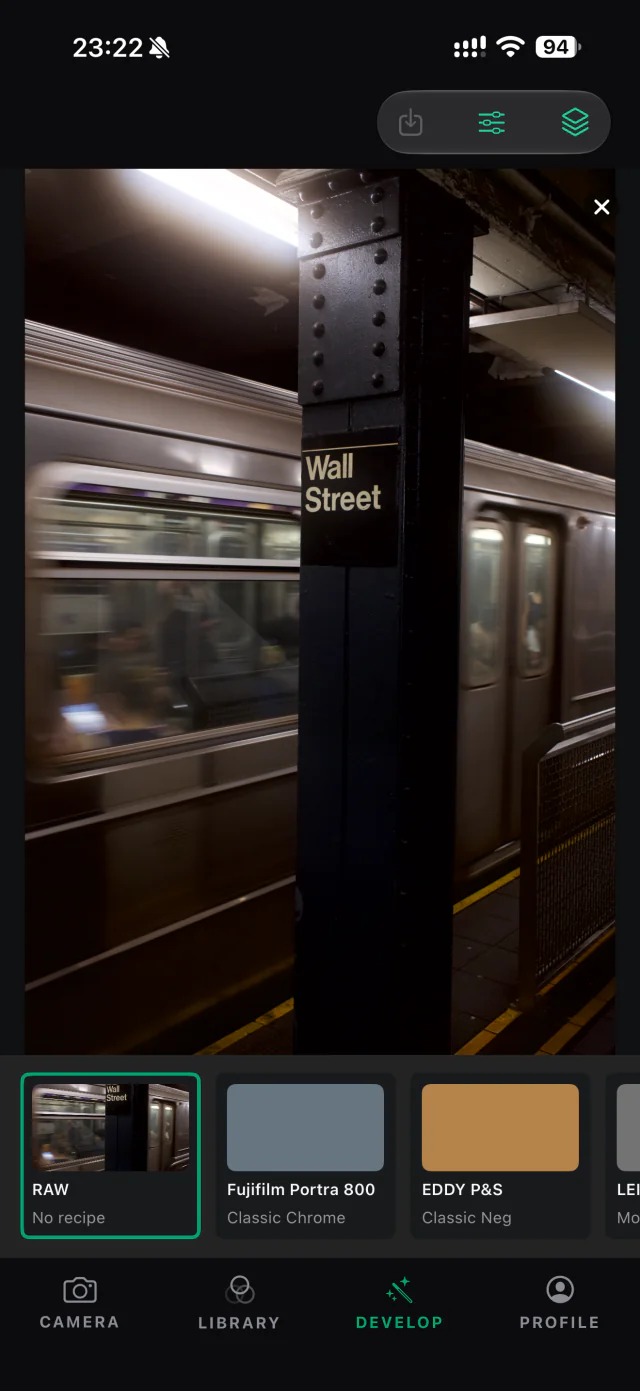 MONOCHROME RECIPERAW VIEW
The same RAF, shown in fujibank. LEICA M10 MONO recipe · Monochrome+G.
Actual app captures, cropped to the photograph. Development requires a compatible RAF and a connected camera.
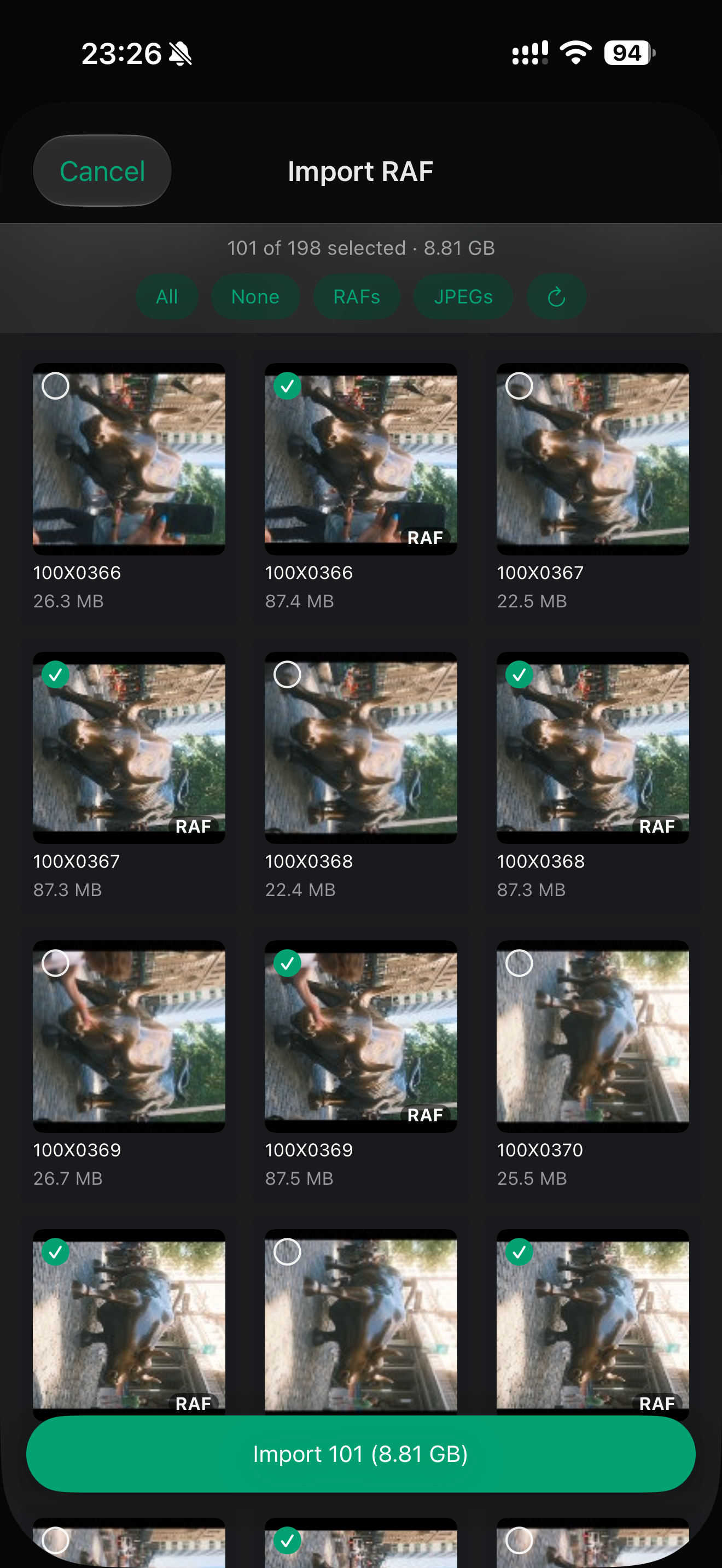
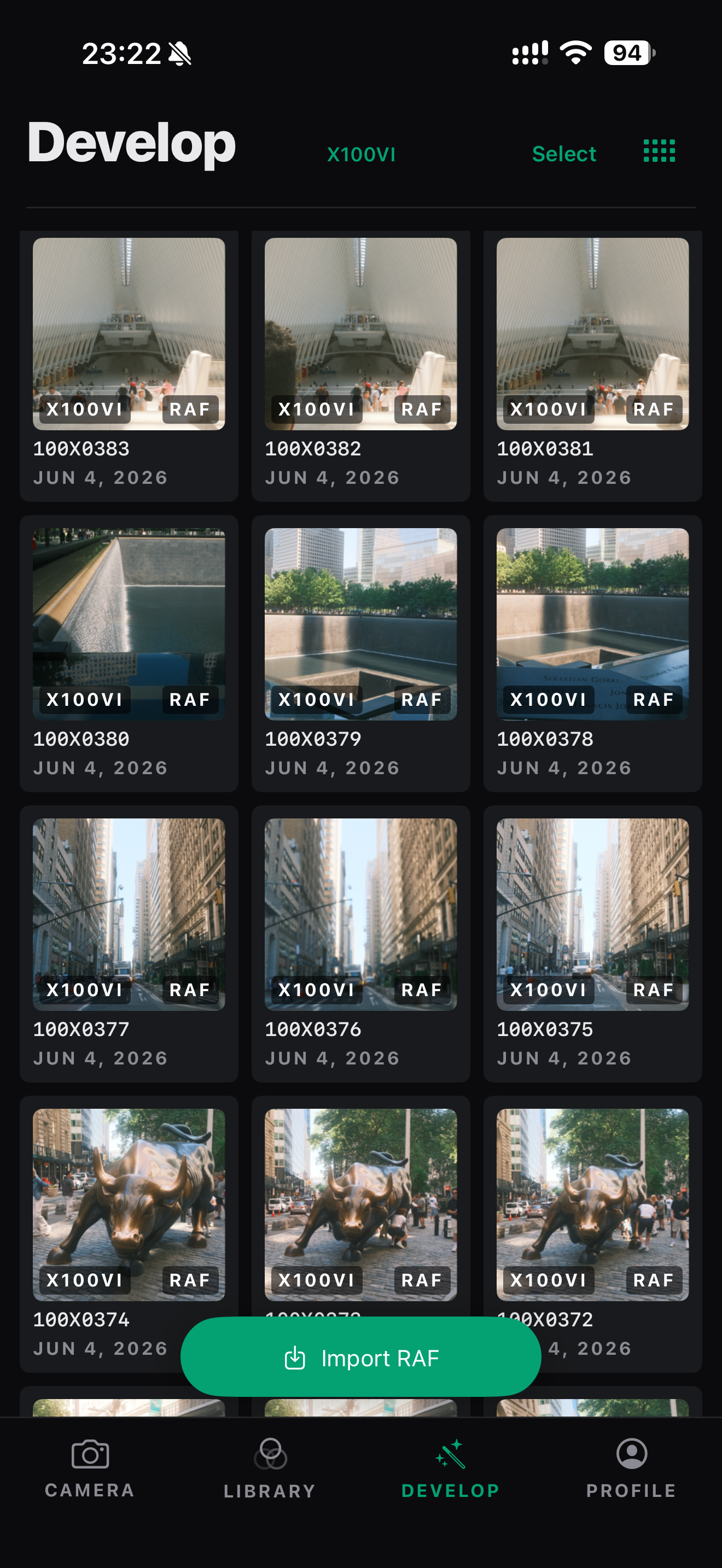
BRING THE WHOLE SHOOT
Browse the photographs on your camera, choose the RAFs and JPEGs you want, and bring them into fujibank.
Your next edit starts with a photograph you already made.
A TOOL YOU CAN KEEP
Recipes live as plain JSON. Export your collection whenever you want. Keep it on your device, or sync it through your own iCloud account.
Read about privacy ↗READY WHEN YOU ARE
Take your favorite looks out into the world.
Get fujibank on TestFlight ↗iPhone & iPad · iOS 18 or later · Beta